
Name-Based Case Searches
A party name is enough to start a Lawrence County case search. It works when the case number is unknown. Begin at the county's official route into the statewide system. Pick Litigant Name Search and type the surname first. Add a first name if the list runs long. Results can stretch past one county. Narrow them to Lawrence County or the 39th Judicial Circuit when Case.net gives you that location control. What you get back depends on the case security level: sometimes just a public case header, other times docket entries and hearing dates too.
- Open the county’s official case-records route and continue to Missouri Case.net.
- Choose Litigant Name Search and begin with the surname from the court paper or other reliable source.
- Use the available Lawrence County, court, or case-type controls to reduce unrelated results.
- Open a likely result, read the Case Header, and then use Docket Entries to follow the case event history.
- Compare the latest scheduled event with the docket entry before relying on a future court date.
Try an alternate spelling or a portal alias option when the results seem incomplete. Keep one caution in mind, though. A missing name result does not prove that no case exists. Some cases stay out of an ordinary name search. Confidential, sealed, expunged, protected, and juvenile matters are among them.
Lawrence County Case.net Route
The Lawrence County Search for Case Records page is a routing page. It is not a separate county database. It sends the public to Missouri Case.net. That covers cases in participating automated courts. Per the county, Case.net supplies public docket entries, parties, judgments, and charges. Using that official route keeps the docket search tied to the court’s statewide record system. It avoids lookalike services. The page itself shows the county’s directions for reaching Case.net.
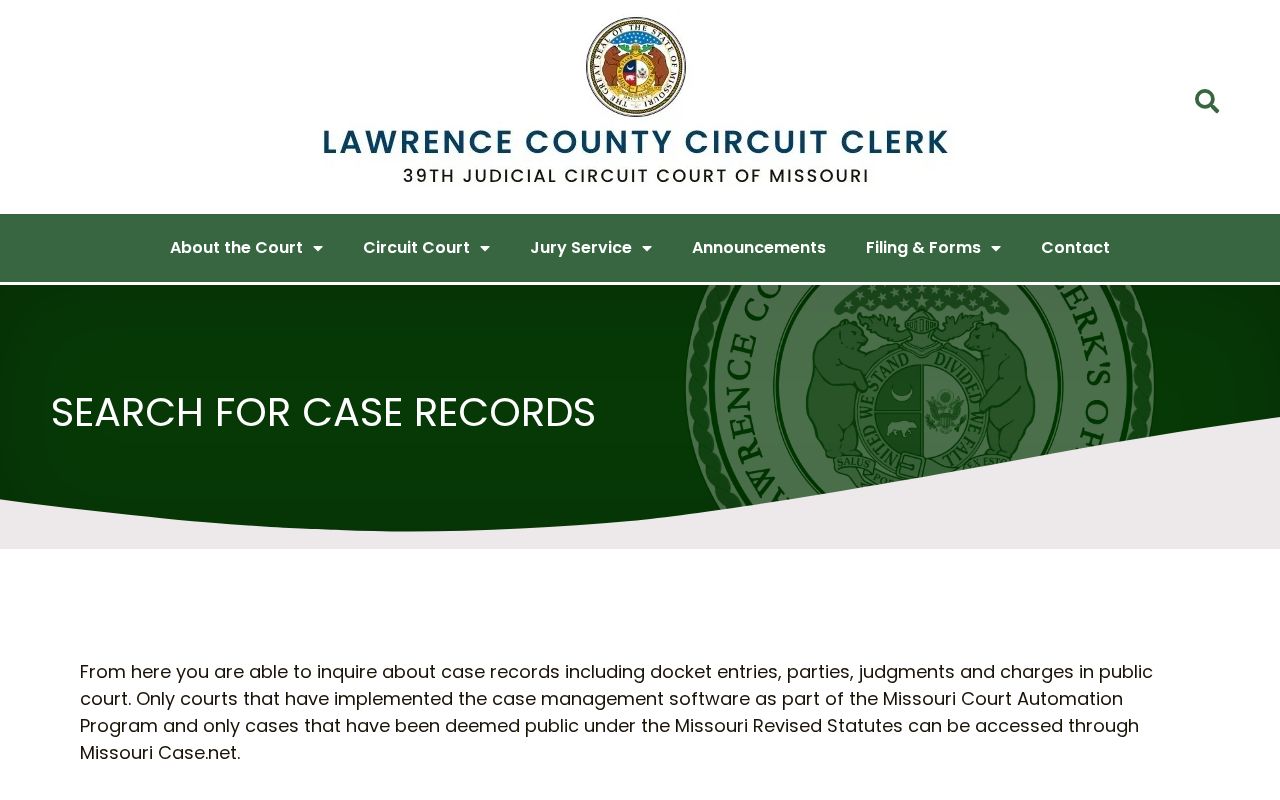
A Lawrence County docket search begins with Case.net. That is the official route, not a separate local public database. Case.net documents four public search paths: Litigant Name Search, Filing Date Search, Case Number Search, and Scheduled Hearings & Trials Search. Each path starts from a different fact. Pick the one that matches what you already know. Forcing a name search to answer a date or document question rarely works well.
Lawrence County Court Search Fields
Case.net’s live form does not always display the same fields, so rely on the documented controls rather than guessing at requirements. “Unspecified” means the county materials do not confirm that Case.net requires that field. The most dependable local filters are the Lawrence County or 39th Judicial Circuit location and the case details printed on a court paper.
| Field or path | Type | Required | Lawrence County use |
|---|---|---|---|
| Litigant Name Search | Search path | Unspecified | Use when a case number is not known. |
| Last Name / First Name | Text | Unspecified | Begin with the surname and refine when results are broad. |
| Search for cases in / Location | Dropdown | Unspecified | Choose Lawrence County or the 39th Judicial Circuit when offered. |
| Case Type | Dropdown | Unspecified | May narrow public civil, criminal, traffic, municipal, probate, or family categories. |
| Filing Date Search | Search path | Unspecified | Use for a date-bounded list; follow the portal’s own date validation. |
| Scheduled Hearings & Trials | Search path | Unspecified | Use when the immediate goal is a public setting or trial date. |
Trust only the fields the public interface actually displays. No universal middle-name, date-of-birth, or judge-filter requirement is confirmed for Lawrence County searches. Portal controls can change over time. The case number and the clerk remain the stable fallback tools.
Case Number Searches
A case number search is usually the sharpest Lawrence County case lookup. Copy the number exactly as it appears. Use a citation, summons, court notice, docket, or prior order. Missouri court numbers follow a year, category, and sequence convention. No single punctuation pattern fits every case type. Copy the number from the source document instead of rebuilding it from memory. Read the local convention as year-category-sequence. Court Operating Rule 4 lists the categories. CC is Circuit Civil, AC is Associate Civil, and SC is Small Claims. DR is Domestic Relations, PN is Protection Order, and FC is Family Court. MU covers municipal matters, and CR covers criminal matters. The number displayed by Case.net or court paperwork is the one to use. A uniform citation number serves as the file number. That applies to some traffic, civil-infraction, watercraft, or conservation cases. If a number returns nothing, confirm the court and category with the Circuit Clerk. Do not change the sequence or assume the matter is private before checking.
Lawrence County Docket Codes
Case type codes describe the kind of court file, never the outcome. CC means Circuit Civil. AC means Associate Civil, and SC means Small Claims. DR is Domestic Relations, PN is Protection Order, and FC is Family Court. AD covers Administrative Orders for Child Support, ML Mechanic’s Lien, and TJ Transcript Judgment. Legacy categories also exist. CR is criminal, MU is municipal, and JU is juvenile. A code alone does not decide whether every document in the file is public. Check the Case Header and each entry’s security level. When a code or abbreviated event is unclear, turn to the case docket. The court division and the clerk’s routing information can also help. Do not draw a conclusion from the code itself.
Lawrence County Filing-Date Search
Filing Date Search works best when you know roughly when a Lawrence County case started. It also helps when you lack a party name or a case number. Case.net lists it among its public search methods. Enter dates in the format the portal asks for. The county materials set no confirmed range limit. Let the site's own validation guide you. When the interface offers location filters, narrow the results to the 39th Judicial Circuit or to Lawrence County.
What you get back are cases filed inside that window. That is not the whole story. Later hearings, continuances, orders, and judgments live in each case's own Docket Entries tab. Open the case and read that record. For historical research or matters of local interest, think of the filing date as the trailhead and the docket as the trail itself.
Case Search Results Explained
A Case.net result can carry a lot of detail. You may see case number, filing date, the Lawrence County court or division, case type, case style, parties or attorneys where public, charges or cause information, docket entries, judgments, and scheduled events. Not every case shows every field. The Case Header comes first and holds the basic identity of the case. The Docket Entries tab is the chronological procedural record. Scheduled Hearings & Trials points you to an upcoming court date.
| Case Header | Basic public identity information such as court, case type, filing date, status, and division when shown. |
|---|---|
| Docket Entries | Chronological filing, hearing, motion, service, continuance, disposition, payment, or appeal events as applicable. |
| Scheduled event | Date, time, event type, court or division, and possibly a location or judge. |
| Blue document link | An attached document available at the current access level, not a guarantee that every filing is open remotely. |
| Disposition | A public judgment, sentence, dismissal, or other result entry when the case record displays one. |
A Case.net screen is public case information only. It is not a certified copy. It may not even be the complete file. When you need a particular filed document or a certified copy, use the Lawrence County court case records route instead.
Lawrence County Blue Links
A blue, hyperlinked docket entry often signals an attached document. File Viewer sorts what is available through its categories plus the All and Documents views. An "ECASE" label means the matter is an electronic case record. It does not promise that every document is open to the public from a remote connection. A plain entry can mean no attachment exists. It can also mean the document's security setting limits who sees it.
The Missouri File Viewer help page explains the difference between an electronic case label, linked documents, and restricted material. A document blocked from remote view can still be a courthouse-terminal question. It is not proof that a filing never existed.
Two Ways to Search: County and State
The county page and the statewide portal are two connected paths, not rival databases. Lawrence County's page directs the public into Missouri Case.net. Case.net runs the actual public case-information search for participating automated courts. The county page handles local routing: clerk contacts, divisions, forms, and records requests. Start on the county side when the matter is local. Then use the statewide search functions it opens.
| County route | Statewide Case.net |
|---|---|
| Lawrence County guidance and Circuit Clerk routing. | Public case information and docket-entry search for participating automated courts. |
| Best for office contacts, division questions, forms, and physical access. | Best for name, filing-date, case-number, and scheduled-hearing searches. |
| Does not create a second local case database. | Does not replace the clerk’s official record or certified-copy process. |
Federal cases are a different animal. They sit outside Missouri Case.net, in the federal PACER system, not in the Lawrence County Circuit Clerk's docket search.
Lawrence County Search Fallbacks
When a Lawrence County docket search comes back empty, check the basics first. Confirm that Lawrence County or the 39th Judicial Circuit is selected. Then retry the exact case number. Try a surname with no punctuation, or a documented alternate spelling. A citation or filing may not post right away. The county sources promise no instant updates. Sealed, confidential, expunged, juvenile, mental-health, and protected-party matters may not be returned by name at all.
Need a human? Call the Circuit Clerk at 417-466-2471. Option 8 handles criminal matters. Option 2 covers traffic. Option 3 takes circuit civil or dissolutions, option 4 small claims or evictions, option 5 probate, and option 6 juvenile or child support. Walk in at 240 N. Main Street, Suite 110, Mount Vernon. The general records email is lawrencecounty@courts.mo.gov. A specific-document request can also go through the county form by email, mail, or in person. Call ahead about fax, since records-request fax use is not expressly stated.
Note: A missing online result can reflect a security rule, incomplete older indexing, a search mismatch, or posting delay. It is not proof that no case exists.
Which Cases Stay Restricted
Missouri court records answer to court rules and statutes first. They are not governed just by the general Sunshine Law. Court Operating Rule 4 requires public access equipment and backs party-name, case-number, and filing-date searching in automated courts. Yet it also shields confidential records. Court Operating Rule 4.24 covers closed, sealed, expunged, mental-health, protected-victim, filing-information-sheet, and other confidential categories. Juvenile records get narrower access under Rule 122.02.
A case header can be public while some documents stay blocked. Search-warrant applications remain confidential until returned or expired. Probate files are generally open unless the court declares them confidential. Mental-health or alcohol/drug-related materials may be restricted. Where the law permits access, a court order is required to open records held behind a security level.
Lawrence County Terminal Access
Court Operating Rule 4.02 requires courts to keep equipment available. The goal is simple: the public can reach court records and information. Missouri e-filing guidance goes further. Courthouse staff can give public users access to statewide public cases and documents through a local public-access terminal. Lawrence County's sources do not promise a fixed number of terminals. Nor do they promise a dedicated records room. Ask the first-floor Circuit Clerk staff to point you to the right machine.
The municipal clerk manual lays out how public access works under the court system. It also covers electronic municipal records.
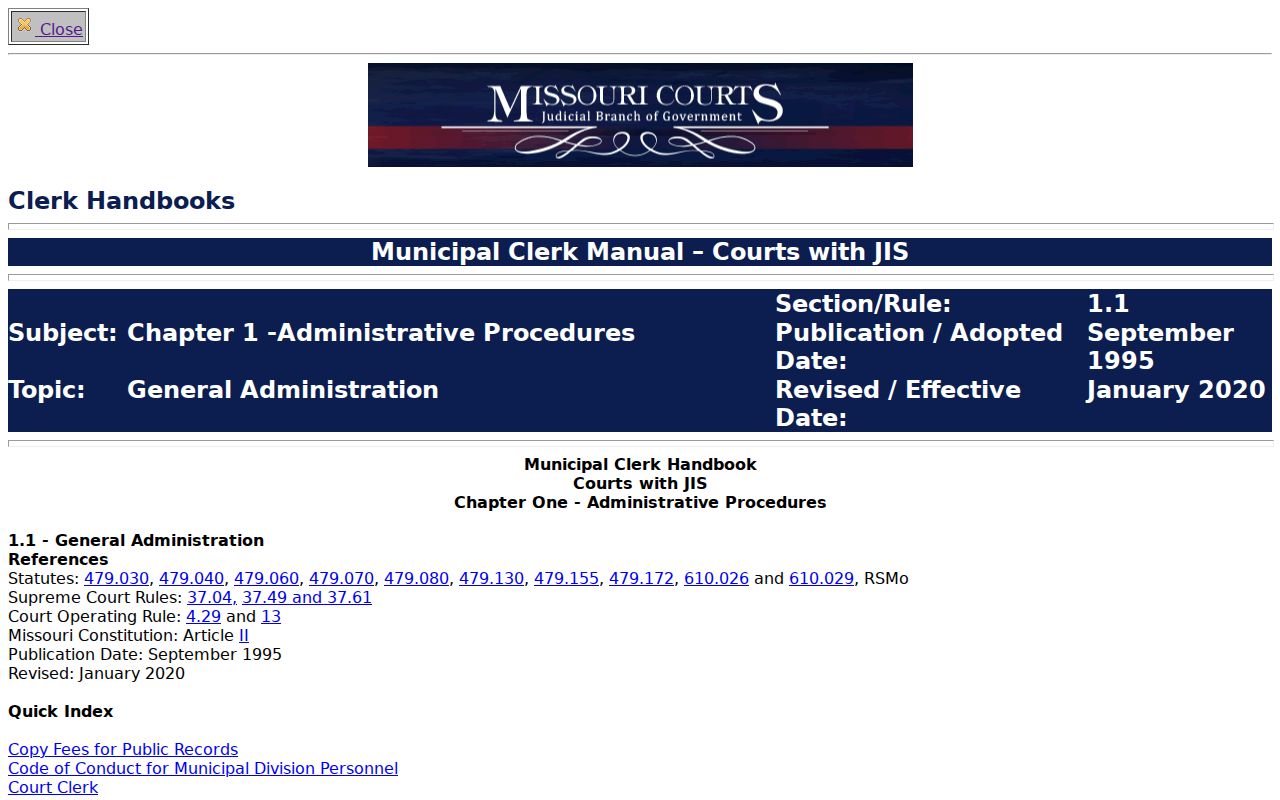
The terminal route earns its keep when an ECASE file or an older public document will not open from a remote Case.net result. The courthouse machine often can reach what the remote search cannot.
Lawrence County Case Security
Security rules govern what the public can see, not what a case is worth. A confidential label tells you nothing about the outcome. If the clerk marks a Lawrence County record as confidential, ask two things. First, which rule or statute applies? Second, whether a redacted public version exists. Many sealed filings still have a public face. Remember, too, that the Circuit Clerk keeps the judicial docket and case records. The general County Clerk does not. A countywide Sunshine request cannot override court security levels or a sealing order.
Missouri's online system has its limits as well. The statewide remote-access expansion made many documents viewable. Older filings and restricted ones may still demand a trip to the courthouse. Track This Case can send optional alerts on an eligible case. Those alerts are not official notice. Summons, orders, and anything the court sends you directly remain controlling.